

Dynamic Reference Photos on Audits
Last updated December 16, 2025
MyFieldAudits allows you to add site-specific reference photos for each audit question.
These appear directly in the audit/inspection when completing and show on completed audit records.

Managing Reference Photos
- Go to the Admin Panel (*you must have Audit admin permissions
- Click Audits
- Click Categories & Questions next to the audit you'd like to add reference photos for
- Expand a category and click the Photo Icon next to the question you'd like to add reference photos to
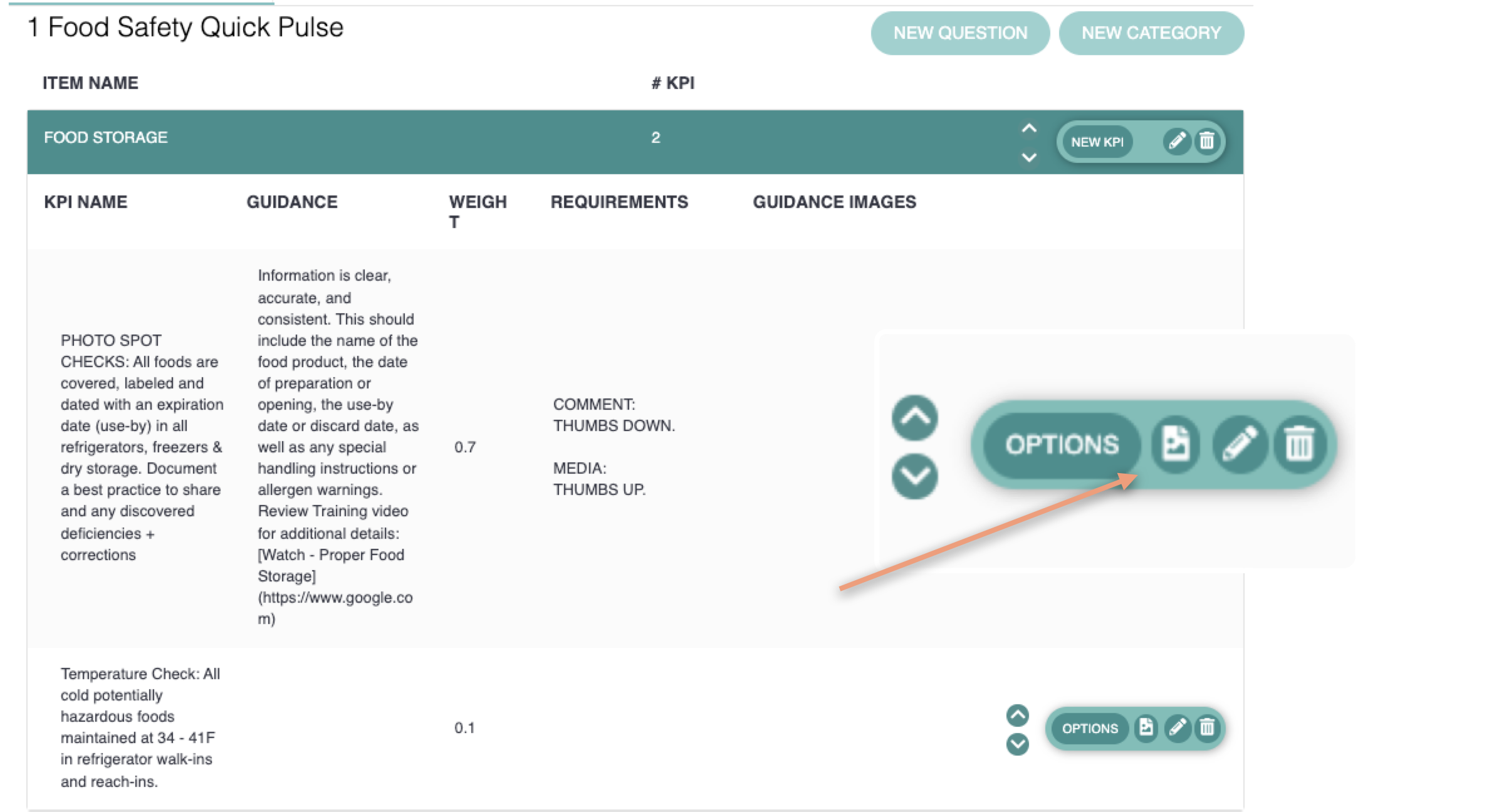
This will open the Reference Photo Editor.
To add photos for individual sites
- Drag & Drop photos to each site or
- Click the Upload button to browser photos on your computer or
- Click Paste to add photos copied to your clipboard

To add photos to multiple sites
- Use the search bar to select all sites you'd like to add a photo to
- Click the Group Edit option
- Drag & Drop, Upload or Paste photo in the Global Photos box

Was this article helpful?